I have used Claude as my main writing and coding tool for over a year, and I pay for it with my own money. This review has been live since June 2026, and I have rewritten it because two of the criticisms it made of Claude are no longer true.
That is an uncomfortable way to open a review, so let me be specific about it rather than quietly editing and hoping nobody noticed.
What this review got wrong
The earlier version told you Claude could not run code, and sent you to ChatGPT if you wanted a tool that writes code, runs it, and fixes its own errors. That was wrong. Claude has executed code inside claude.ai since the analysis tool shipped on October 24, 2024, and Anthropic noted on November 5, 2025 that it is being replaced by broader code execution that also generates downloadable spreadsheets, CSVs, and visualisations.
It also told you voice mode was basic, closer to dictation than conversation, and that ChatGPT's was in a different league. Also wrong now. Voice mode is in beta on every plan including Free, across mobile, desktop, and web. There is a hands free mode where Claude listens continuously and replies at natural pauses, Opus and Sonnet are both available in voice, and Claude can use connected tools like Gmail and Google Calendar mid conversation.
I am flagging both because almost every Claude review still repeats them. If you have been avoiding Claude for either reason, the reason has expired.
The third criticism I made was that Claude cannot generate images. That one holds, but it was overstated. More on it below.
Claude is not one app any more
This is the biggest change since I first wrote this review, and it is the thing most comparisons miss because they open claude.ai, see a chat box, and describe a chat box.
Anthropic now sells several products under one subscription. There is the chat app. There is Claude Code, which works in your terminal. There is Cowork, an agent that does delegated work across your files and accounts. There is Claude Design, which came out of Anthropic Labs on April 17, 2026 and builds prototypes, slides, and one pagers. Science and Research sit alongside them.
Your subscription is a budget you spend across all of it. That matters for the buying decision, because "is $20 worth it for a chatbot" is the wrong question now. The question is whether you will use more than one of these.
The models you get, and the Fable catch
Free, Pro, and Max all give you the Haiku, Sonnet, and Opus families. What changes between plans is how much you can use them, not which ones appear in the picker.
Fable is the exception, and it is the one piece of Anthropic's pricing I would call genuinely confusing. Fable is not available on Free. On Pro it exists, but it does not come out of your plan allowance: it runs on pay as you go usage credits, so using it costs money on top of your $20. On Max it is included, and you can spend up to 50% of your weekly limit on it before you need credits or have to switch models.
So Pro does not really get you Anthropic's top model. It gets you the option to buy it separately. I would rather that were said plainly on the pricing page than sit in a support article.
One honest note on version numbers. Anthropic's pricing page lists the families without versions, while its support pages still show older version numbers in places, and Claude Design is documented as running on Opus 4.7. I am not going to assert a precise version for what you will see in your model picker today, because Anthropic's own pages do not agree. Open the picker and look. For how the families compare against OpenAI's current lineup, I went through that separately in GPT-5.6 vs Claude 5.
What the free tier covers
The free tier is better than its reputation and considerably better than it was a year ago. No credit card, and you get web search, memory, connectors, file creation, and access to Claude Code, Cowork, and Design within limits. Voice mode and code execution are both included.
What you do not get: Fable, the higher usage allowance, and the priority queue when Anthropic is busy. You will meet the ceiling if you work in long sessions.
For anyone curious about Claude rather than committed to it, this is a real trial rather than a demo. You will know within a week whether the writing quality is worth paying for.
Pro at $20, and the annual price nobody mentions
Pro is $20 a month, or $17 a month if you pay annually, which Anthropic bills as $200 upfront. That annual option is easy to miss and saves $40 a year.
What changes at Pro is mostly headroom. The ceiling that interrupts free users moves far enough out that a normal working day does not hit it. You also get project sharing, enterprise search, and Microsoft 365 integration, plus the priority queue when traffic spikes.
Anthropic also doubled Claude Code's five hour rate limits on May 6, 2026 for Pro, Max, Team, and seat based Enterprise, and removed the restriction that used to throttle Claude Code during peak hours on Pro and Max. If you tried Claude Code on Pro before then and found it ran out too fast, that specific complaint has been addressed.
The reason those limits could rise is worth a sentence, because it is unusually concrete for this industry. Anthropic signed an agreement with SpaceX for the entire compute capacity of the Colossus 1 data centre, which it described as over 300 megawatts and more than 220,000 NVIDIA GPUs coming online within a month, and said Pro and Max subscribers were the intended beneficiaries.
Max, and why there are two of them
Max is not one plan. Max 5x starts at $100 a month and gives roughly five times Pro's usage. Max 20x costs more and gives roughly twenty times. Both get higher output limits, early access to new features, and priority in the queue during spikes.
Model access is the same as Pro, with the Fable difference noted above: on Max, Fable is included rather than billed as credits. If you use Fable regularly, that alone can justify the gap between Pro plus credits and Max.
Max is also where new things land first. Cowork's rollout to web and mobile started with Max users before reaching other plans.
How the limits actually work
This is the part I find hardest to explain to people, and I think that is Anthropic's fault rather than theirs.
Every plan runs on a rolling five hour session window. Paid plans add a weekly cap on top of that. Max carries two separate weekly caps, one across all models and one that applies to Sonnet only. When you run out, you can buy usage credits or usage bundles instead of waiting for the reset.
I have described daily limits in the past and that was never quite right. The five hour window is the one that bites during a working day: a heavy morning can slow your afternoon even though you are nowhere near a weekly cap.
The credits system is fair enough in principle, and I would rather have the option than be locked out. But between session windows, weekly caps, a separate Sonnet cap, Fable billed differently by plan, and top up bundles, working out what you will actually spend in a month takes real effort. That is my main criticism of Claude in 2026, and it is a pricing criticism rather than a product one.
Artifacts and Projects still carry the daily work
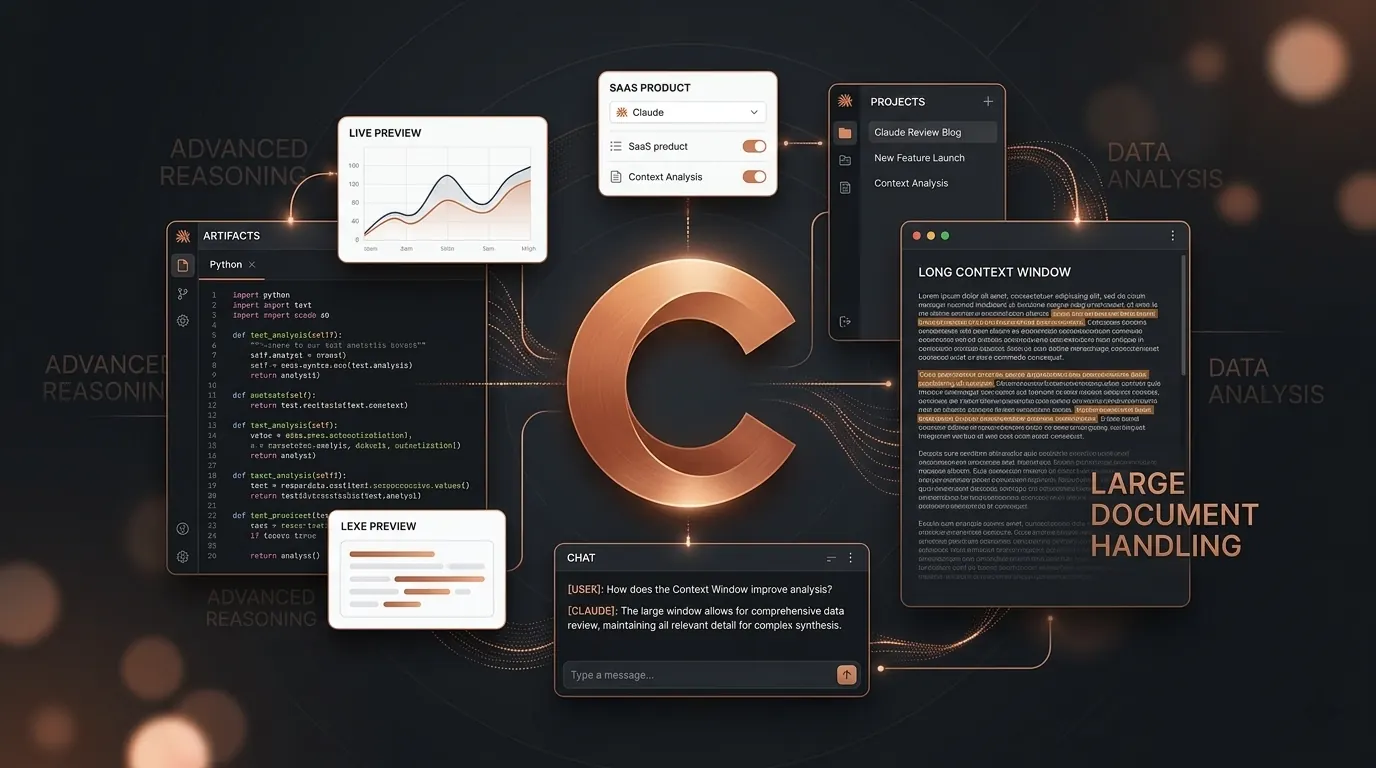
Artifacts is the feature I would miss most. When Claude produces code, a web page, a React component, a table, or an SVG, it opens in a live panel next to the conversation and runs. Edit the code, watch the preview update. Every artifact gets a URL you can send to someone without a Claude account, which is genuinely useful for showing a client a prototype.
Projects solves the other everyday annoyance, which is re explaining your context every time you start a conversation. A project is a persistent workspace holding files Claude always has access to, custom instructions for that work specifically, and the history of every conversation inside it.
The difference from ChatGPT's memory is scope. ChatGPT keeps one picture of you and applies it everywhere. Projects keeps a separate knowledge base per piece of work, so my writing setup and my code setup do not contaminate each other. If you juggle several clients, this is the feature that changes your week.
Cowork is the interesting one
Cowork is the piece I am least settled about, which is why I want to describe it carefully rather than sell it.
The idea is delegation rather than conversation. You hand Claude a task and it works across your files, calendar, email, messaging apps, the web, and connected tools until it finishes, escalating to you when it reaches a judgement only you can make. Anthropic's example is scheduling Monday client prep for 6am, so Claude reads the email threads, transcripts, and recent news, builds the briefing document, and leaves the follow up email drafted but unsent.
Two details worth knowing. Scheduled tasks run with no device online, because the sessions are hosted on Anthropic's servers rather than your laptop. And capability differs by platform: on desktop Claude can use your local files and browser, while web and mobile have narrower access.
Anthropic brought it to web and mobile on July 7, 2026, starting with Max. I have used it for scheduled research summaries and it does the boring parts well. I would not yet hand it anything where a wrong call is expensive, and the fact that it asks before those calls is the design decision I most approve of.
Writing quality
This is still why I pay.
For long pieces, Claude produces prose that needs less repair than anything else I have tried. Fewer hollow transitions, less padding, more willingness to state something plainly instead of hedging it into mush.
The specific thing it does better than its competitors is hold a complicated brief. Tell it the voice, the audience, the terminology, the phrases to avoid, and the length, and it will still be obeying all of those in paragraph forty. Most tools start shedding constraints as the text gets longer. For anything with a real brief attached, that is the difference between editing and rewriting. I described the workflow I actually use in how to write blog posts faster with AI.
I want to be fair to the competition. For short work, emails, captions, product descriptions, the gap is small enough that I would not switch tools over it. It shows up at length. If you want the direct comparison, Claude vs ChatGPT goes through it properly.
Coding
Claude follows a specification more closely than most competitors. Write a thorough spec and you are less likely to get something that looks correct but misread requirement four. It still makes mistakes, as they all do, but the miss rate on carefully described tasks is lower.
Code execution changes the loop meaningfully now that it exists in the chat. You can have Claude write something, run it, see the actual error, and fix it, without leaving the conversation. That was the gap I used to point at, and it has closed.
For real project work I use Claude Code in the terminal rather than the browser, because it reads and edits files in place and runs tests. Pro covers it within limits. I wrote up the workflow in how to use Claude AI for coding.
If you would rather the assistant lived in your editor than your terminal, that is a separate subscription with its own metering. Cursor vs GitHub Copilot compares what those two actually cost once agent usage is counted.
Where Claude still falls short
No native raster image generation. Claude will not produce a photograph, a logo, an illustration, or a thumbnail. What it does instead is vector and code based: SVG, charts, diagrams, interactive artifacts, and through Claude Design, prototypes and slides that export to PPTX, PDF, HTML, and Canva. There is also a workaround worth knowing, which is that connecting an image generation MCP server lets you prompt for images inside a normal chat. Still, if visual assets are core to your work, budget for a separate tool. I keep a list of free AI image generators for exactly this.
Pricing is hard to predict. Covered above, and it is my strongest complaint.
Hallucination has not gone away. Claude is better than most at saying it is unsure, and it will tell you to verify a figure. It also still states wrong things confidently. Anything that matters, check yourself. That applies to this review too: I have listed sources so you can.
The third party ecosystem is smaller. Claude has Projects, connectors, MCP, and a plugin marketplace inside Cowork, but there is nothing the size of ChatGPT's store. If you depend on community built tools, that is a real gap.
Anthropic's own documentation contradicts itself. The context window is the clearest case: the pricing page says 200k for Pro while the help centre describes up to 1M on newer models and 500K or 200K on others. For a company selling careful reasoning, that is a poor look, and it makes writing an accurate review harder than it should be.
Who should buy what
Free is enough if you use AI a few times a week, or if you want to find out whether the writing quality lives up to the reputation before paying.
Pro at $20 is right for most working professionals. Writers, developers, anyone who works through long documents daily. Pay annually at $17 if you already know you will keep it.
Max 5x at $100 makes sense in two situations: you regularly exhaust Pro, or you want Fable included rather than buying credits on top. Work out your credit spend on Pro first, because that comparison decides it.
Max 20x is for people running Claude as the centre of their work rather than a tool beside it.
Stay with ChatGPT instead if you need native image generation, or if the third party ecosystem is what you are buying.
Pricing
| Plan | Price | What you get |
|---|---|---|
| Free | $0 | Haiku, Sonnet, and Opus families with limits, voice mode, code execution, memory, connectors, Claude Code, Cowork, Design |
| Pro | $20 monthly, or $17 monthly billed annually at $200 upfront | Higher usage, priority queue, project sharing, enterprise search, Microsoft 365. Fable available on usage credits, not included |
| Max 5x | From $100 monthly | About 5x Pro usage, Fable included up to 50% of weekly limit, higher output limits, early access |
| Max 20x | Above Max 5x | About 20x Pro usage, same benefits |
| Team | Standard seat $20 monthly billed annually, $25 monthly. Premium seat $100 annually, $125 monthly | Mix and match seats, central billing, SSO, admin controls, audit logs, no training on your content by default |
| Enterprise | Custom | SCIM, role based access, spend limits, IP allowlisting, HIPAA ready option |
Prices verified against Anthropic's pricing page on August 5, 2026. This is a product that reprices, so check before you buy.
My verdict
Claude is still the best writing tool I have used, and it is now a better coding tool than it was when I first reviewed it, because the one thing I criticised has been fixed.
What has changed is what you are buying. A year ago Claude was a very good chat app. Now it is a chat app, a terminal agent, a delegated work agent, and a design tool sharing one usage budget. If you will use two of those, $20 is straightforwardly good value. If you only want the chat box, the free tier goes further than it used to and you should start there.
Rating: 9 out of 10.
The missing point is not what it used to be. Code execution arrived and voice mode became genuinely good, so those complaints are gone. What remains is no native raster image generation, and a pricing structure I cannot predict a month ahead without doing arithmetic across session windows, weekly caps, model specific caps, and credit top ups. The product earned back the point I docked it. The pricing page lost it again.
Try Claude for free. No credit card required.
Verified on August 5, 2026 against Anthropic's pricing page, the Fable plan support article, the usage and length limits article, the analysis tool announcement, the voice mode help page, the Claude Design launch post, and the Cowork web and mobile announcement. Anthropic ships often, so treat the dated claims above as dated rather than permanent.