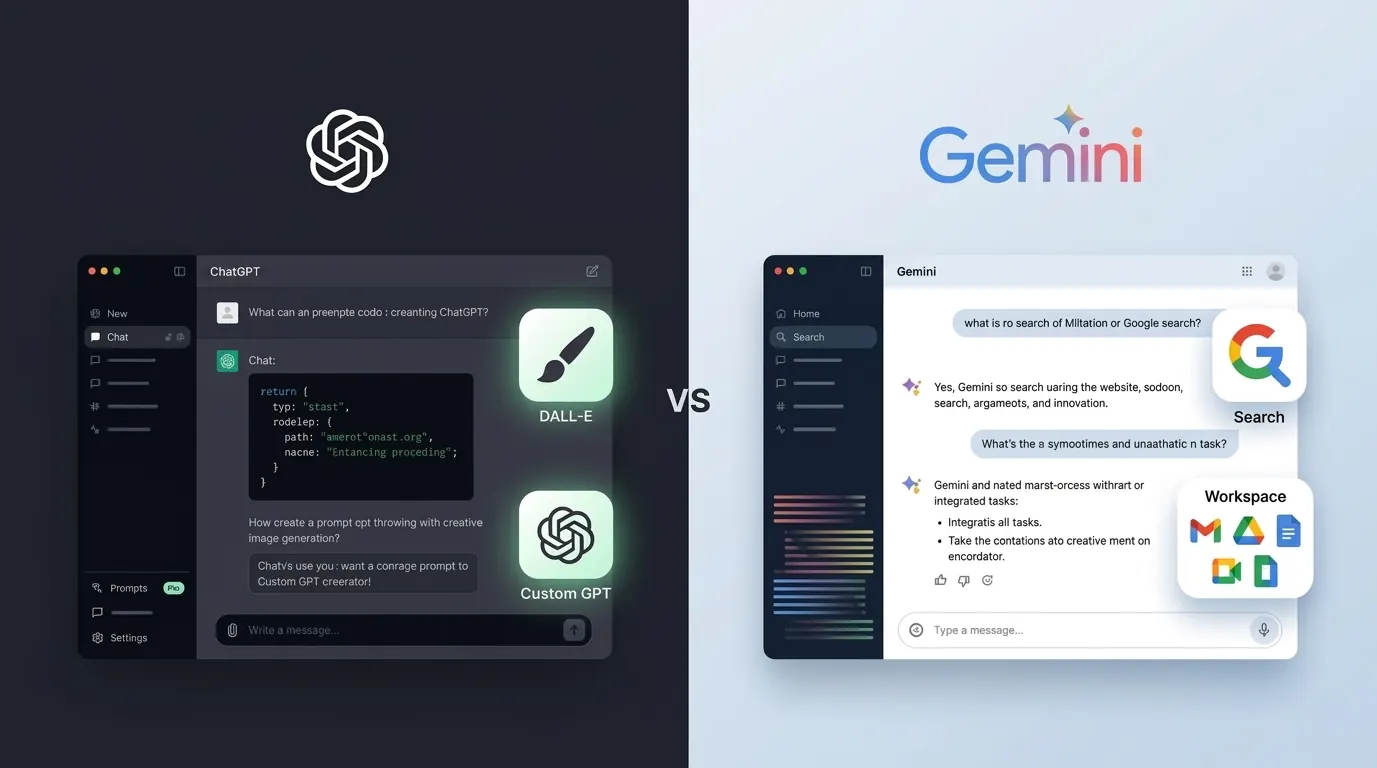
Two years ago this comparison had a clear answer. Then it became genuinely close. What has happened since is stranger and more useful: the two products have converged on the same commercial shape while keeping different things behind the paywall.
I am also correcting this post rather than just updating it. The Gemini half described Gemini 2.0 Flash, Gemini 2.0 Pro, Gemini 1.5 Pro, Imagen 3, and a plan called Gemini Advanced. All of those are gone or renamed. That is a product generation roughly eighteen months old, presented as current.
They are selling the same ladder now
This is the finding that reframed the whole comparison for me.
| OpenAI | ||
|---|---|---|
| Cheap tier | ChatGPT Go, $8 | AI Plus, reported $4.99 |
| Mid tier | Plus, $20 | AI Pro, reported $19.99 |
| Top tiers | Pro, $100 and $200 | Ultra, $100 and $200 |
| Business | Business, per seat | Workspace tiers |
The top of both ladders is the same two numbers. Google cut its $200 tier down from $250 at I/O 2026 and introduced a $100 tier alongside it, which is the same structure OpenAI arrived at. Anthropic's Max sits at roughly the same two points.
So price has stopped being the thing that separates these products. Three companies converged on identical price points, which tells you the pricing is a response to each other rather than to the cost of running the models.
What each one gates is the real difference
Once the prices match, the question becomes what your money unlocks. Here the two diverge sharply, and Google comes out looking better than its reputation.
Google gates volume, not capability. Google's own help pages state that every tier, including free, gets the same three models: Gemini Flash-Lite, Flash, and Pro. Paying buys more usage. It does not buy a better brain. Limits refresh every five hours until you hit a weekly cap, scaling from standard to 2x on AI Plus, 4x on AI Pro, and 5x or 20x on Ultra.
OpenAI gates both. Model access varies by tier and some models are metered per message in credits, so what you can use and how much of it both change with what you pay. That is more flexible and considerably harder to predict a month ahead.
Worth noting for context: Anthropic is stricter than either. Claude's top model, Fable, is not on the free tier at all and runs on pay-as-you-go credits even on the $20 plan.
If you want the version of that argument applied to Claude, it is in Claude vs ChatGPT.
What Gemini actually is in August 2026
The flagship is Gemini 3.1 Pro, with Flash and Flash-Lite below it. Image generation runs on Nano Banana Pro, which is Gemini 3 Pro Image, with Nano Banana 2 as the Flash-tier equivalent. Imagen 3 has been out of the consumer story for a while.
Paid tiers add things the old version of this post did not know existed. Gemini Omni Flash handles video generation on Pro and Ultra. Google Flow is the creative tool built around it, metered in credits at 1,000 a month on Pro and 25,000 on Ultra. Storage scales too, 400GB on Plus, 5TB on Pro, 20TB or more on Ultra, which matters because it is bundled with the Google One storage many people already pay for.
Beyond the model names, three things make Gemini genuinely different rather than just competitive.
Search is native rather than bolted on. When Gemini looks something up it is using Google Search as part of how it reasons, not calling a browsing tool. In practice it is better at knowing when to search and less likely to confuse recent events.
Workspace integration. Reading your Gmail threads, summarising Drive documents, drafting in your own style, working inside Docs and Sheets. ChatGPT has no native equivalent. For anyone whose job happens inside Google's apps this is worth more than any model benchmark.
Android. Gemini replaced Google Assistant as the default, so it reaches your contacts, calendar and system apps. On iOS both are just apps and neither has an edge.
What ChatGPT actually is in August 2026
Six tiers now: Free, Go at $8, Plus at $20, Pro at $100 and $200, then Business and Enterprise. I went through which one is worth buying in the ChatGPT Plus review, where the short answer is that $20 is no longer automatically the right choice.
The image generator changed name and engine. DALL-E 3 was deprecated on May 12, 2026, and OpenAI set August 30, 2026 as the retirement date for the DALL-E GPT. Generation now runs on ChatGPT Images 2.0, on every plan including Free. If you have images sitting in old DALL-E conversations, OpenAI's guidance is to download them before the retirement date, which I covered in Midjourney vs DALL-E 3.
The reasoning models also moved. The separate o-series is finished, folded into thinking levels inside the GPT-5 family, with o3 retiring on August 26, 2026 after GPT-4o and others went in February. Any article recommending ChatGPT Pro for "o1 pro mode" is selling something that no longer exists.
What still makes ChatGPT the default for many people is the surrounding ecosystem: the largest third-party store of any assistant, Canvas for drafting, Projects, memory, and Codex and ChatGPT Work for agent tasks.
I have to be straight about sourcing here. OpenAI returns HTTP 403 to automated access on its own site, so every OpenAI figure above comes from their published pages as indexed by search rather than read directly. The Google side I verified against Google's own pages. Treat the OpenAI numbers as second-hand.
Head to head, corrected
Writing. ChatGPT, for prose that needs to sound like a person wrote it. Gemini reads more structured and more formal, which suits reports and hurts blog posts. If writing is the whole job, Claude beats both.
Research and current information. Gemini, on the strength of native search. Deep Research will spend several minutes across dozens of sources and hand back a cited report. Both still hallucinate, so verify anything that matters.
Images. Closer than it was, and the comparison changed shape rather than tilting. Nano Banana Pro against ChatGPT Images 2.0 is a different matchup from Imagen 3 against DALL-E, and I have not run them side by side since both changed. I am not going to tell you which wins on quality when I have not tested the current versions.
Coding. ChatGPT edges it in the chat, and both are the wrong tool for real project work. Use Codex or Claude Code in a terminal. If you want the assistant inside your editor, Cursor vs GitHub Copilot prices the two main options properly.
Voice. Both do real spoken conversation now. This used to be a clear ChatGPT win and it is no longer a deciding factor.
Google Workspace. Gemini, decisively, because ChatGPT does not compete here at all.
Long documents. Gemini has the reputation and probably still the edge, but I have stopped quoting a context number as the reason. Vendors' own pages disagree with each other about their windows, so the figure is not something a reader should take from any article, including this one. Test with your documents.
Video. Gemini understands video, and generates it on paid tiers through Omni Flash. I could not verify OpenAI's current position on video understanding first-party, so I am leaving that as an open question rather than the flat "ChatGPT cannot" the old version claimed.
The ecosystem gap, and how much it still matters
This is the argument ChatGPT loyalists reach for, and it is half as strong as it used to be.
ChatGPT's third-party store is genuinely larger. Thousands of purpose-built assistants, some excellent, most abandoned. Gems, Google's equivalent, is a smaller and quieter collection, and building your own takes more setup for less payoff.
But the reason people cited that store was to get behaviour the base product could not do, and the base products got much better. Custom instructions, memory, and project-scoped context now cover most of what a mid-tier custom assistant was for. I used to keep four or five specialised assistants and now use none, because telling the model what I want in a project instruction is faster than finding the right prebuilt one.
Where the gap is still real is the long tail. If your profession has a niche tool someone built and maintains, ChatGPT probably has it and Gemini probably does not. If your needs are ordinary, the store is a feature you will stop opening after a fortnight.
Deep Research runs the other way. Google's version will spend several minutes building a research plan, working through dozens of sources, and returning something structured and cited. It is the single Gemini feature I would miss most, and it is the closest either product comes to replacing an afternoon of work rather than a paragraph of typing. It is not perfect: it over-trusts sources that agree with each other, and it will cite an aggregator as readily as a primary source, which is exactly the failure mode I keep running into when checking facts for this site.
Which one handles what
The practical version, based on what I actually reach for.
Preparing from a briefing document. Gemini for anything long. ChatGPT is fine under about forty pages.
Drafting a blog post. ChatGPT, then heavy editing. Claude if prose quality is the whole point.
Researching a company or a market. Gemini's Deep Research, or Perplexity if you want every claim sourced as you go.
Drafting an email to someone you have emailed before. Gemini with Workspace, no contest. It has the thread and ChatGPT does not.
Debugging a specific error. Either, in a chat. Both run code now, so the old ChatGPT advantage here has gone.
Summarising a two-hour recording. Gemini, on video understanding.
Anything on your phone, hands-free, on Android. Gemini, because it replaced Assistant and reaches your calendar and contacts.
Generating an image plus copy in one pass. ChatGPT, on ecosystem convenience rather than image quality, which I have not retested since both engines changed.
Making a slide deck. Genuinely neither, still. Gemini's Flow is aimed at video, not decks. Use a dedicated tool.
What I would tell someone starting fresh
If you already pay Google for storage, start with an AI plan there. The marginal cost is small and you get the Workspace integration nobody else offers.
If you write for a living and are not tied to Google's apps, ChatGPT Plus, and consider whether Claude is actually the better buy for that specific job.
If you are a student or on a tight budget, use the free tiers and note that Google gives you the same models it gives paying users. That is a better free offer than it looks.
If you are a developer, neither of these chat windows is where the work happens. Look at the terminal and editor tools instead.
The claim I am retracting
The earlier version led on this: a 1,000,000 token Gemini context window against roughly 128,000 on ChatGPT Plus, described as "not a subtle difference."
I no longer think that framing is defensible. The numbers move with the model you pick, vendors' own documentation contradicts itself on them, and I have seen Anthropic's pricing page and help centre disagree by a factor of five on exactly this metric. Quoting two precise numbers and drawing a conclusion from the ratio gives readers false confidence.
Gemini is still likely the better long-document tool. That is a weaker claim than the one I made, and it is the one I can actually support.
Pricing
| Plan | Price | What you get |
|---|---|---|
| ChatGPT Free | $0 | Images, voice, memory, web search, with caps |
| ChatGPT Go | $8 | More usage than Free, below Plus |
| ChatGPT Plus | $20 | Daily working use, priority when busy |
| ChatGPT Pro | $100 or $200 | Heavy and very heavy use |
| Gemini free | $0 | Same three models as paid, standard limits |
| Google AI Plus | reported $4.99 | 2x limits, 400GB storage |
| Google AI Pro | reported $19.99 | 4x limits, 5TB, Workspace, Deep Research, Flow at 1,000 credits |
| Google AI Ultra | $100 or $200 | 5x or 20x AI Pro limits, 20TB or more, Flow at 25,000 credits |
Google's Ultra prices come from Google's own I/O 2026 announcement. The AI Plus and AI Pro figures come from third-party trackers, because Google's plan page did not render a price when I checked it, so treat those two as reported rather than verified. Every OpenAI figure is second-hand for the reason given above. Checked August 13, 2026.
The bundling point still holds and is stronger than it was. Google AI plans include Google One storage, so if you already pay Google for space, the AI tier is a smaller marginal cost than the sticker suggests. Nothing on OpenAI's side works that way.
Who should pick which
Google AI Pro if your work lives in Gmail, Docs and Drive, if you want the cheaper entry point, if you are on Android, or if you already pay for Google storage.
ChatGPT Plus if you want the third-party ecosystem, if prose quality decides it for you, or if you are already fluent in its habits and do not want to relearn a tool.
Start free on either. This is better advice than it was six months ago. Google gives free users the same models as paying ones, and ChatGPT's free tier now includes images, voice and memory. Spend a fortnight before paying and notice how often you hit a ceiling and whether it happened during something that mattered.
Neither, if you mostly want cited research. Perplexity does that better than either and is a different way of working rather than a better version of the same thing.
My honest take
I use ChatGPT for writing and reach for Gemini when I need current information or something out of my own Google account. That has not changed.
What changed is why. A year ago I could point at features. Now the features have largely evened out, the prices are literally the same numbers, and what is left is where your work already lives and which one's habits suit you. That is a less satisfying answer than a scoreboard, and it is the true one.
The uncomfortable part of rewriting this was seeing how the Gemini half rotted. Every fact on that side was correct when written and quietly stopped being correct, and nothing on the page warned a reader. Check the date on anything you read about either product, this included, and check the vendor's page before you pay.
Verified on August 13, 2026. Google's plan structure, model availability, and limit mechanics come from Google's own plan page, I/O 2026 announcement, and Gemini Apps help pages. Google AI Plus and AI Pro prices come from third-party trackers because Google's page did not render them. Every OpenAI figure comes from OpenAI's published pages as indexed by search, because OpenAI blocks automated access to its own site, so that half is second-hand in a way the Google half is not.
Related reading: